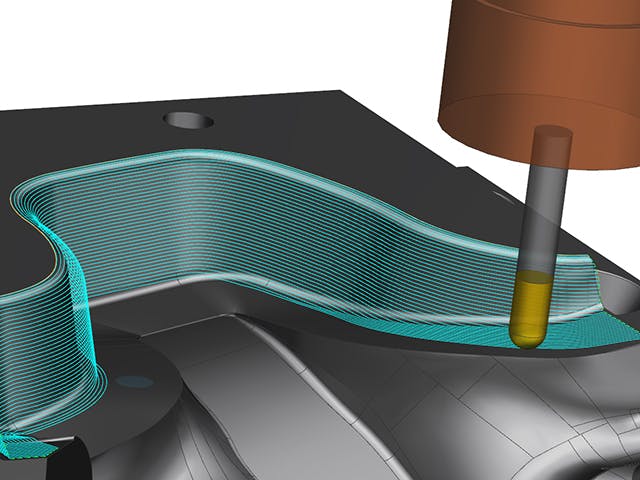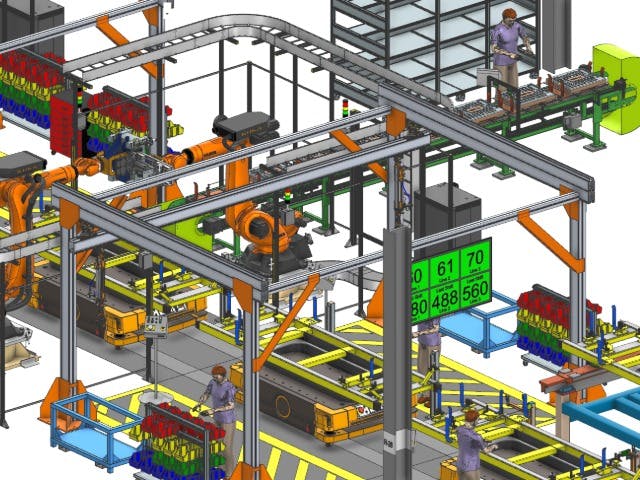
Boost your capabilities by extending your NX X Manufacturing solution using Line Designer X as a high-value add-on, allowing you to customize your NX X Manufacturing solution to fit your project's unique needs.
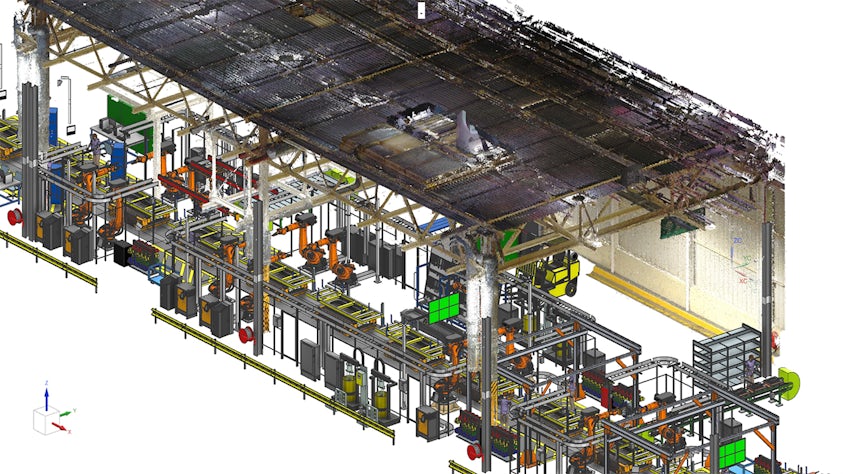
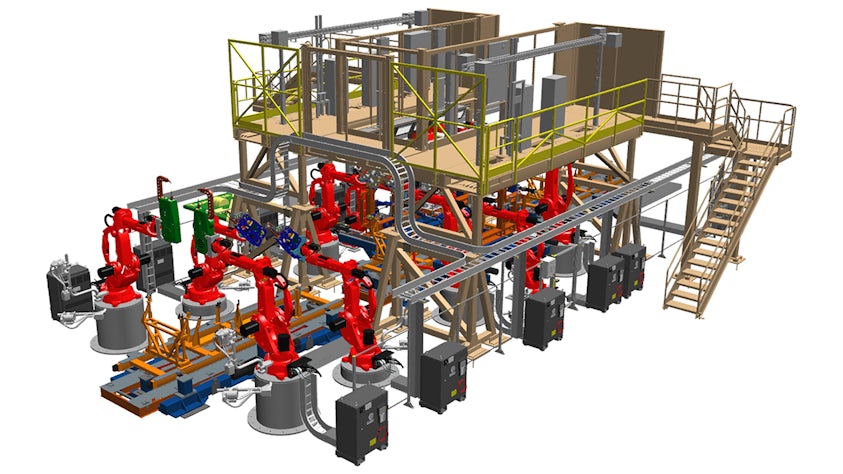
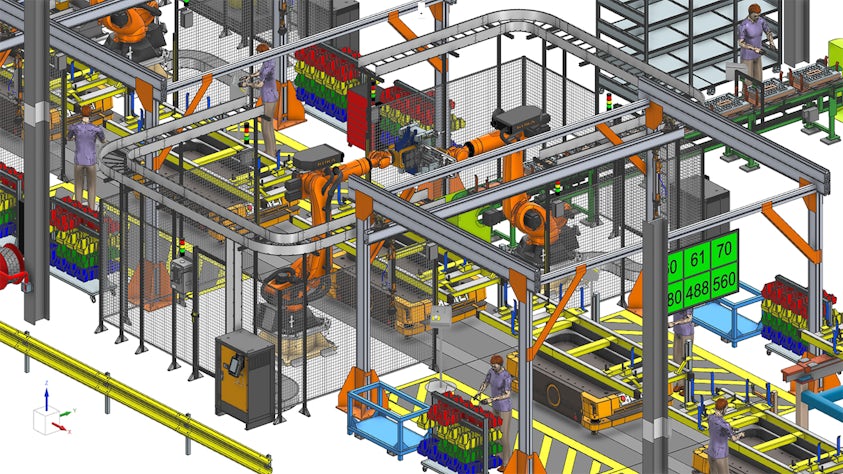
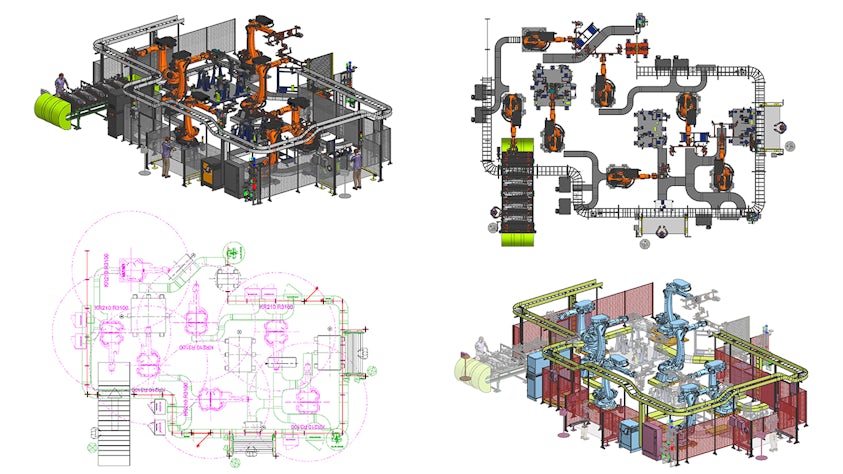
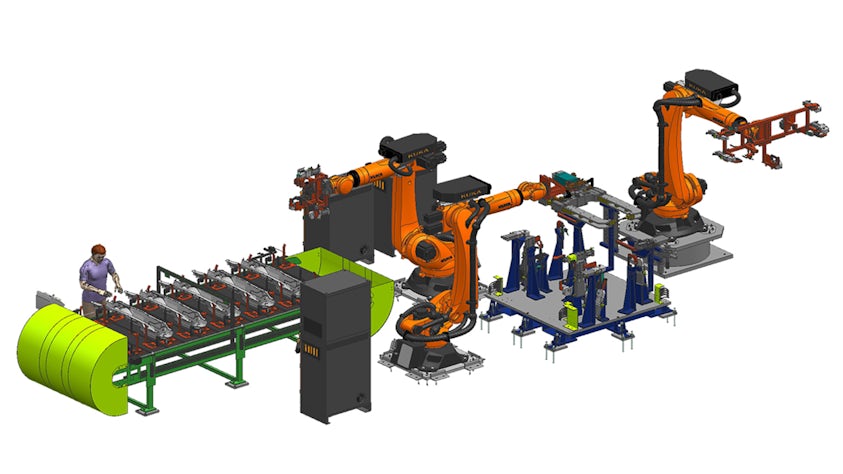
Whether you're planning a new facility or optimizing an existing one, Line Designer X enables you to visualize, validate and refine manufacturing layouts with exceptional efficiency. It allows you to author detailed, visually rich production layouts that contribute to building an intelligent digital twin of your manufacturing environment.
As you design, you're simultaneously generating a comprehensive bill of equipment (BOE) or bill of resources (BOR), ensuring alignment between layout planning and resource management.
Key features
Streamline layout creation with intuitive 2D and 3D tools
Centralize all layout tasks in one interface and work seamlessly in 2D or 3D without requiring data conversion. Quickly place equipment using drag-and-drop, auto-connect and snap-to-position features for fast and efficient design.
Evaluate clearance of equipment within a facility
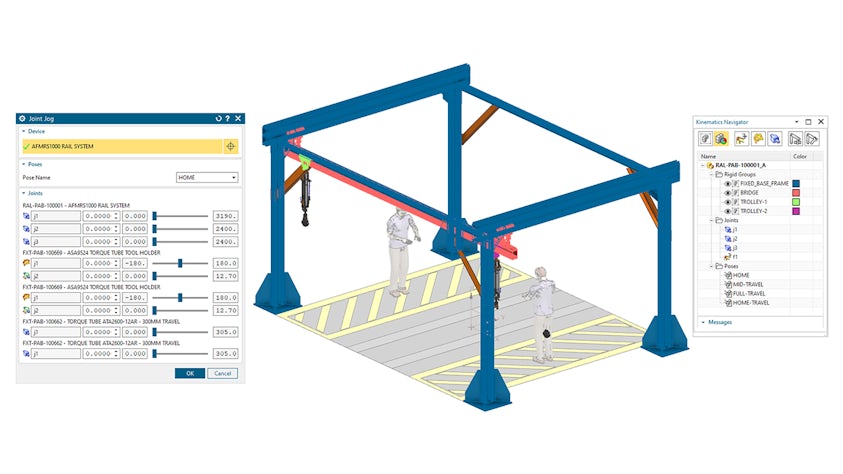
Use a built-in kinematics editor for defining rigid groups and joints with limits and poses. Library admins can easily author complex kinematics, enabling layout engineers to reuse and simulate equipment positioning effortlessly.
Access a rich library of smart, configurable components
Leverage a rich library of configurable parametric resources using part families and product templates. Explore resources are available in both metric and imperial units for both standalone and Teamcenter connected modes.
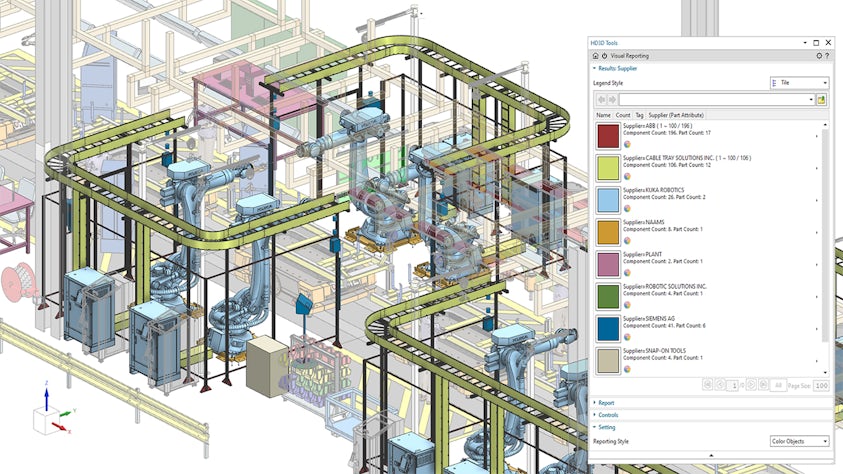
Communicate layouts clearly with integrated reporting and visualization
Communicate key information to stakeholders through reports, drafting and export tools. Use visual reporting with color-coded graphics, making insights clear and easy-to-interpret.
NX X Manufacturing high-value add-ons
Power your NX X Manufacturing solution with high-value add-ons, which allow you to easily extend your software capabilities as your manufacturing planning requirements increase over time.
The Line Designer X high-value add-on requires a NX X Manufacturing Essentials license.
Expand the functionality of your NX X Manufacturing solution with other high-value add-ons including:
- Assembly Line Planner X
- NX X Open Toolkits
.jpg?auto=format,compress&w=843&q=60)