Boost your capabilities by extending your NX X Manufacturing solution using Assembly Line Planner X as a high-value add-on, allowing you to customize your NX X Manufacturing solution to fit your project's unique needs.
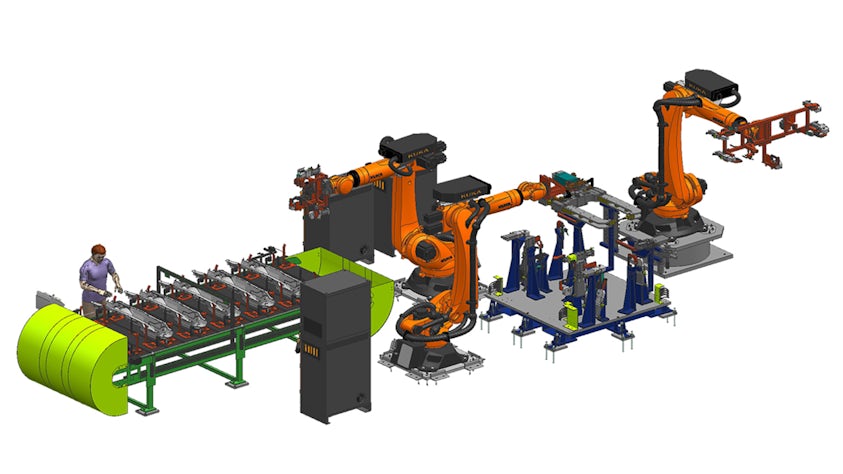
Assembly Line Planner X empowers manufacturers, like you, to plan smarter, faster and more collaboratively. From high-level line design to detailed station planning, it offers powerful tools for visualizing product flow, balancing workloads, and optimizing resource use. Plan a complex production line with a focus on the different technologies and manufacturing features used to create an assembly, such as spot welds, weld studs, rivets, continuous joints for fastening and sealing, and more.
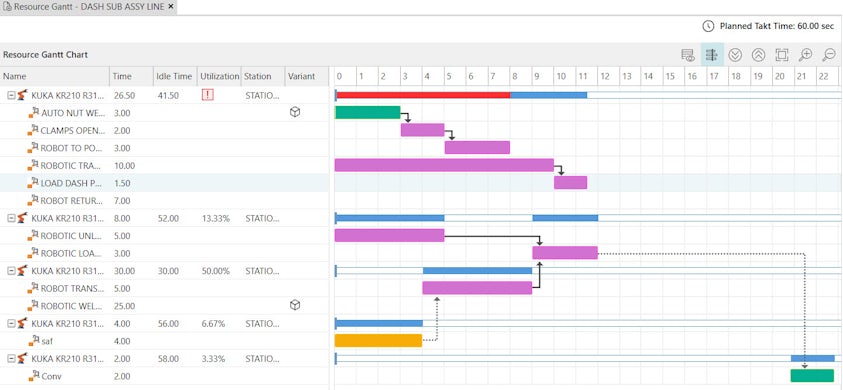
With integrated reporting, real-time collaboration, and seamless Teamcenter connectivity, it delivers a complete digital twin of the assembly line.
Key features
Line planning
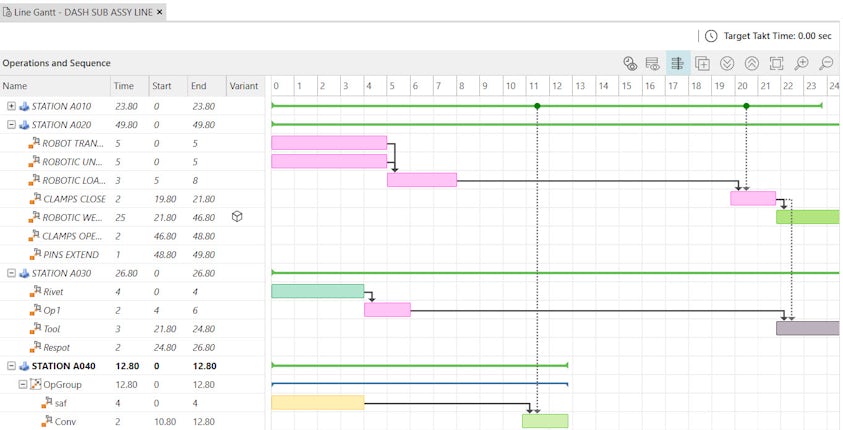
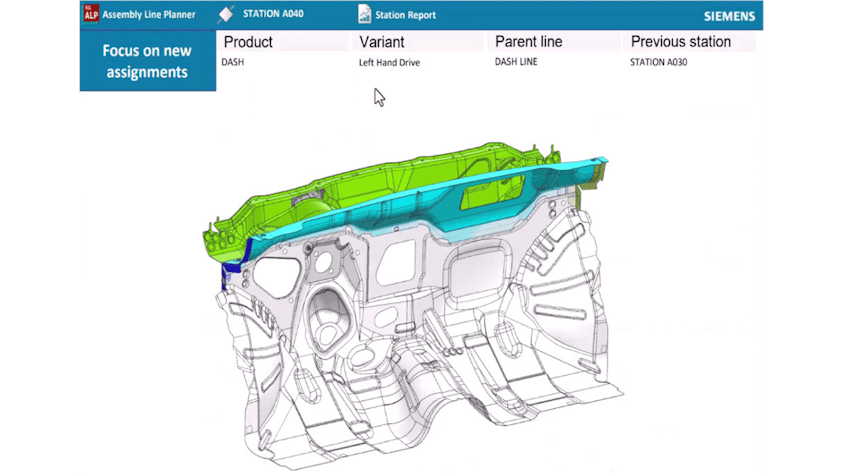
The planning process starts in the Line Planning view, where you distribute parts to stations and define the flow between stations in a modern PERT viewer. To better understand the distribution of parts, the assignment status of each part and assembly is displayed with an assignment indicator directly in the graphic viewer, identifying the parts based on their status. The visual buildup of the product in the assembly line can then be displayed as a result of this work.
Resource planning.
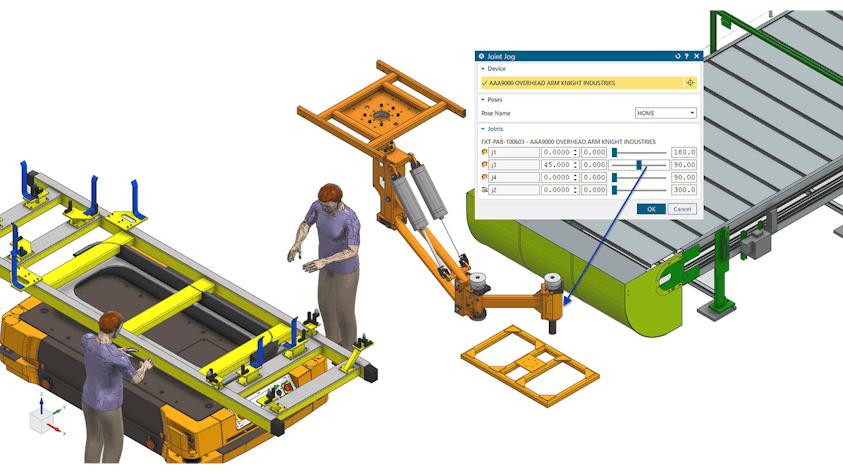
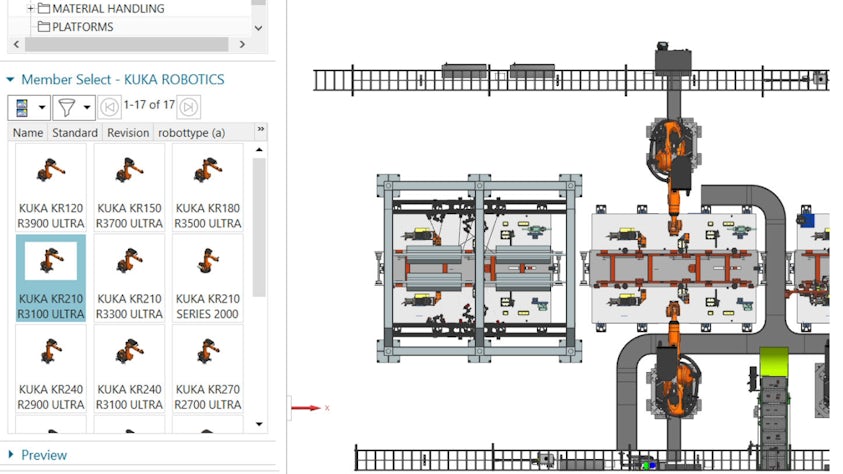
When working on the plant layout, you can switch to the Resource Planning view, where you can access all the required layout functions while utilizing the embedded Teamcenter software classification to access standard resources. In Resource Planning, the focus is on the plant itself while the product is temporarily blended out. This view offers many ways to define a rough layout or a detailed layout with exact measurements, leveraging utilities like connectors to quickly and easily position components within the plant.
Station detailing
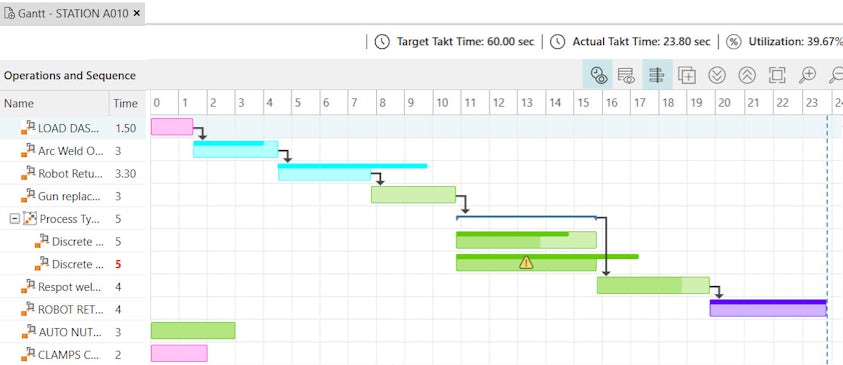
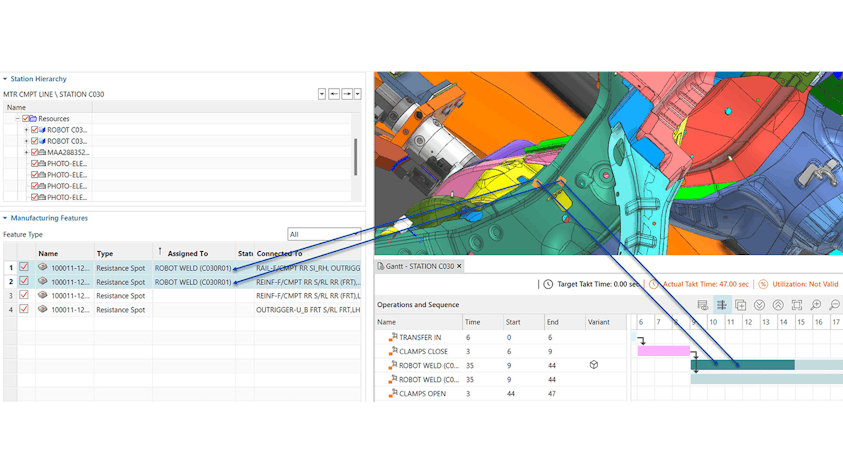
The Station Detailing view guides you through the process detailing inside of an assembly station. In this view, only the content of the station is displayed, including the equipment, the parts and sub-assemblies, and the manufacturing process required for that step in the assembly sequence. The parts and sub-assemblies are automatically positioned in the desired fixture in each station. Using an advanced feature search, you can identify which features need to be worked on and distribute them accordingly in custom operations. These features can then be classified and adapted based on the process that they represent.
NX X Manufacturing high-value add-ons
Power your NX X Manufacturing solution with high-value add-ons, which allow you to easily extend your software capabilities as your manufacturing planning requirements increase over time.
The Assembly Line Planner X high-value add-on requires a NX X Manufacturing Essentials license.
Expand the functionality of your NX X Manufacturing solution with other high-value add-ons including:
- Line Designer X
- NX X Open Toolkits